Website examples · 7 designs
Professional services website examples
A client hiring a lawyer, an accountant or an architect is deciding whether to trust someone, and the website is usually the first thing they see. The 7 designs below favor clear structure over decoration: practice areas or services in plain terms, a described process, and a low-pressure first step such as a consultation or a request. The look still moves from the restrained feel of an architecture practice to the practical layout of a mobile notary. Open the one closest to your profession and click through it the way a new client would.
About 3 minutes. No credit card. Pay nothing until you approve it.
7 professional services website designs
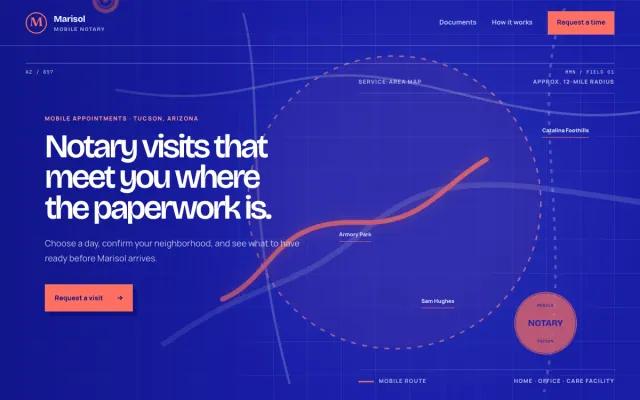
Mobile Notary Tucson, AZ
Marisol Mobile Notary - Mobile Notary website design example
Designed to turn a document question into a visit request.
- Service-area map
- Document checklist
- Visit time request
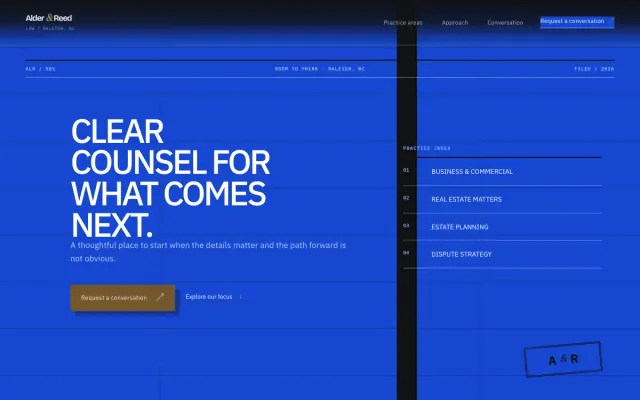
Law Firm Raleigh, NC
Alder & Reed Law - Law Firm website design example
Designed to earn trust before the first consultation.
- Practice-area accordion
- Three-step approach
- Conversation request form

IT Services Dallas, TX
Meridian Managed IT - IT Services website design example
Designed to turn IT headaches into support requests.
- Question-led service index
- Working-session steps
- Support request form
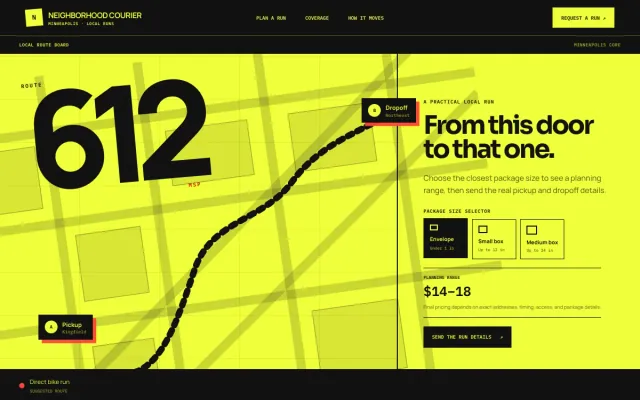
Courier Minneapolis, MN
Neighborhood Courier - Courier website design example
Designed to turn a delivery need into a pickup request.
- Package size selector
- Pickup timeline
- Neighborhood coverage
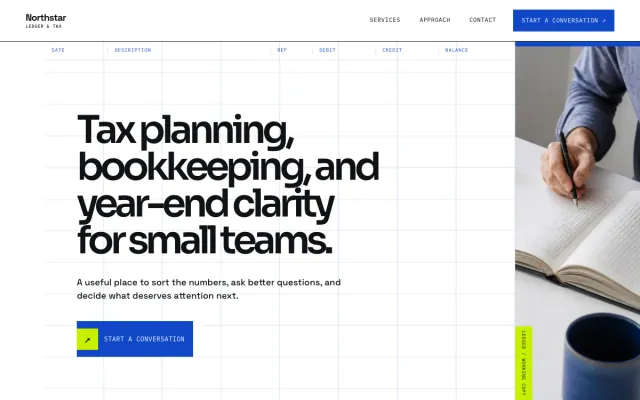
Accountant Seattle, WA
Northstar Ledger & Tax - Accountant website design example
Designed to turn tax-season stress into a consultation.
- Service index
- Topic selector
- Consultation request form

Real Estate Agent Phoenix, AZ
Bluebird Realty - Real Estate Agent website design example
Designed to start buyer and seller conversations.
- Buyer and seller paths
- Filterable home browse
- Conversation request form
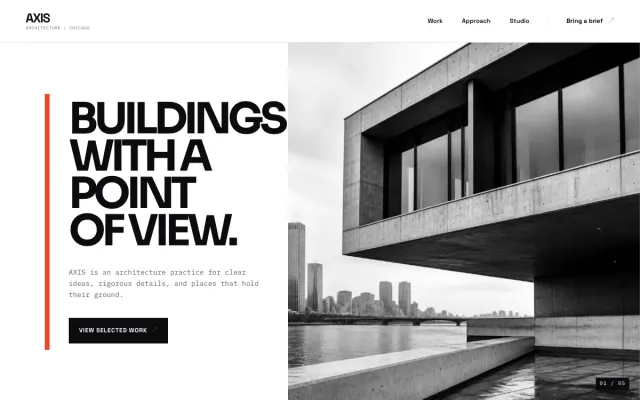
Architect Chicago, IL
AXIS Architecture - Architect website design example
Designed to let the work lead and the inquiry follow.
- Selected work index
- Practice approach
- Project inquiry form
What a professional services website has to do
- State what you do and for whom in the first line.
- Explain the process before the first call.
- Make the first step small, such as a consultation or a request.
- Show the work or the credentials in the form clients expect.
Find your industry
- Mobile Notary website design example
- Law Firm website design example a website for law firms
- IT Services website design example
- Courier website design example
- Accountant website design example a website for accountants
- Real Estate Agent website design example a website for real estate agents
- Architect website design example
Get a professional services website like these
- $0 to build
- First version within 48 hours of your brief
- $15 a month for hosting, only after you approve the preview and go live
- Month to month, no contract
When you approve the preview, you set up your SMBcrm account and card for the $15 hosting plan. That is the only time we ask for payment details.
Professional services website questions
What should a professional services website include?
A plain statement of what you do and for whom, your services or practice areas in everyday terms, and a described process. Make the first step small, such as a consultation or a request. Rules about advertising in your profession apply to your site, so give us any wording they require.
How much does a professional services website cost with FreeWebGuy?
FreeWebGuy builds the site for $0. Hosting is $15 a month and starts only after you approve the private preview and go live. Month to month, no contract. First version within 48 hours of your brief. The full price breakdown lists what is included and what costs extra.
