IT Services website example · Dallas, TX
An IT services website designed to turn IT headaches into support requests
Meridian Managed IT is an example website design for an IT services company in Dallas, TX. The page opens on a near-black operations grid with a terminal-style prompt above the headline, a wide server-room photograph and one button that starts a conversation. A service index is written as 3 questions, a working session is explained in 3 steps, and the page ends on a form that asks for a name, a work email and what is on the visitor’s mind.
$0 to build, $15/mo after you go live
Meridian Managed IT IT Services
$0 to build · $15/mo after you go live
Get a site like this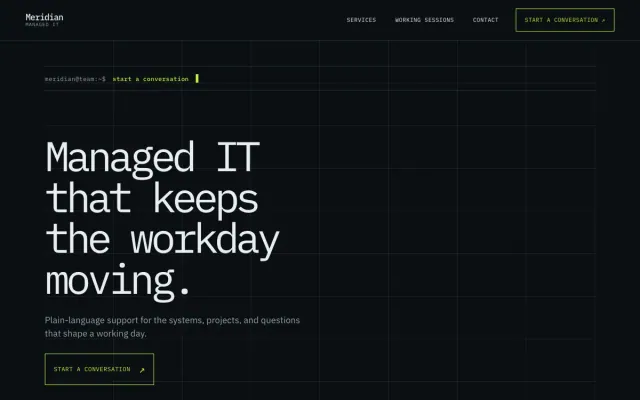
At a glance
- Industry
- IT Services
- Setting
- Dallas, TX
- Category
- Professional & Business Services
- Designed to
- Turn IT headaches into support requests
- Pages
- 1 · Home
- Style
- Dark, Modern
- Palette
-
- #0B0F12
- #E8EEF1
- #B8F23A
- #253139
Design decisions
-
Services are written as 3 questions
An office manager does not search for endpoint management. Something feels off, a change is coming, we need a clearer plan: 3 buttons in the visitor’s own words each update a short description and a small command line.
-
The terminal is decoration around plain HTML
Prompts, ruled grids and monospaced labels give the page the look of a calm operations room. The content underneath is ordinary text, so it reads on any phone and indexes like any other page. The prompts and grids are styling; nothing on the page is a live feed.
-
One green for the cursor, the row and the button
On a near-black page, one green is used for the cursor, the active row, the button and focus states. Nothing else competes for attention, so no arrows or badges are needed to point the way.
-
No uptime number, no response-time promise
The page describes how a working session goes (observe, map, maintain) and stops there. Service levels belong in a contract, and leaving them off the public page means nothing has to be defended later.
What's on this site
- Terminal-style hero
- Question-led service index
- Working session steps
- Support request form
Features you can try in the example
- Question-led service index
- Working-session steps
- Support request form
What every IT services website needs
- Services described as the problems they solve, in the words a non-technical owner uses
- Who you serve: company size, industries, locations you cover
- How support works: hours, how to reach you, what counts as urgent
- Onboarding steps for a new client, from first call to handover
- Certifications and vendor partnerships you hold, stated plainly
- A support request form that asks for a name, a work email and the issue in a sentence
- $0 to build
- First version within 48 hours of your brief
- $15 a month for hosting, only after you approve the preview and go live
- Month to month, no contract
When you approve the preview, you set up your SMBcrm account and card for the $15 hosting plan. That is the only time we ask for payment details.
IT services website questions
What should an IT services website include?
Services written as problems, who you serve, how support works, how onboarding goes, the certifications you hold, and a request form. The person deciding is rarely the technical one, so write it the way you would explain it across a desk.
Should a managed IT website publish response times and uptime?
Put them in the service agreement, not on the home page. A public number becomes a promise you have to defend in every edge case. Describe how you respond and how clients reach you, and leave the figures for the contract.
How much does an IT services website like this cost with FreeWebGuy?
FreeWebGuy builds your IT services website for $0. Hosting is $15 a month and starts only after you approve the private preview and go live. Month to month, no contract. The full price breakdown lists what is included and what costs extra.
How fast can I get an IT services website like this?
First version within 48 hours of your brief. You review a private preview and ask for changes before you pay. Bigger sites, or briefs missing key details, take a few days more. See how it works for the steps.
Is this a template?
No. It is one design direction for IT services websites. Your site is built from your brief: your name, services, service area and look. You can name this example as the look you want, or ask for something different.
More professional services website examples
Courier Minneapolis, MN
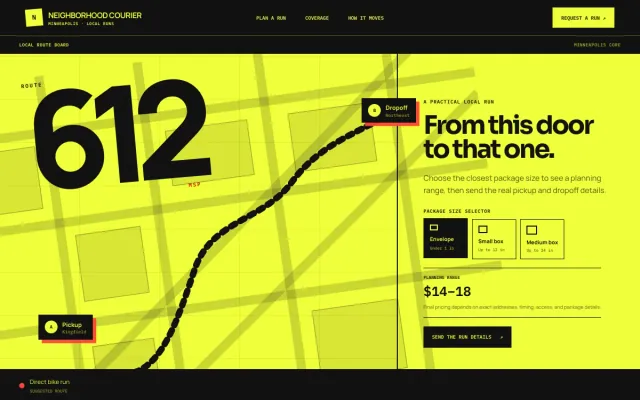
Neighborhood Courier - Courier website design example
Local pickup-to-dropoff runs for shops, studios, and neighbors in Minneapolis.
- Package size selector
- Pickup timeline
- Neighborhood coverage
Accountant Seattle, WA
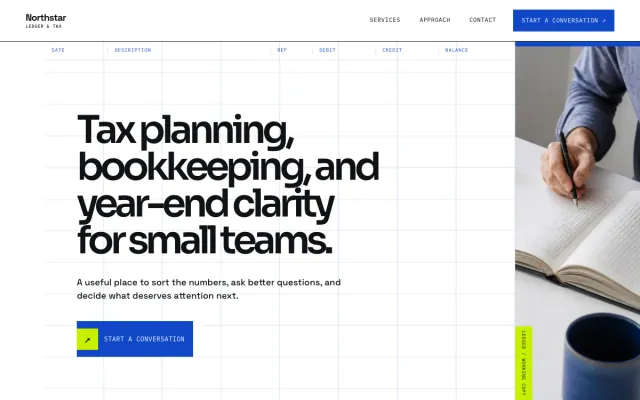
Northstar Ledger & Tax - Accountant website design example
Tax planning, bookkeeping, and year-end clarity for small teams
- Service index
- Topic selector
- Consultation request form
Real Estate Agent Phoenix, AZ
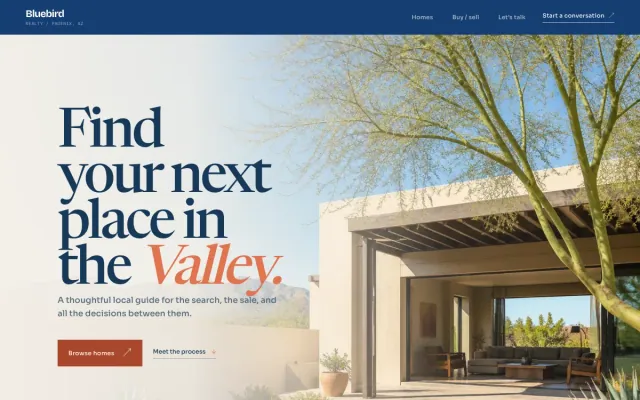
Bluebird Realty - Real Estate Agent website design example
A thoughtful local guide for buying and selling in the Valley.
- Buyer and seller paths
- Filterable home browse
- Conversation request form
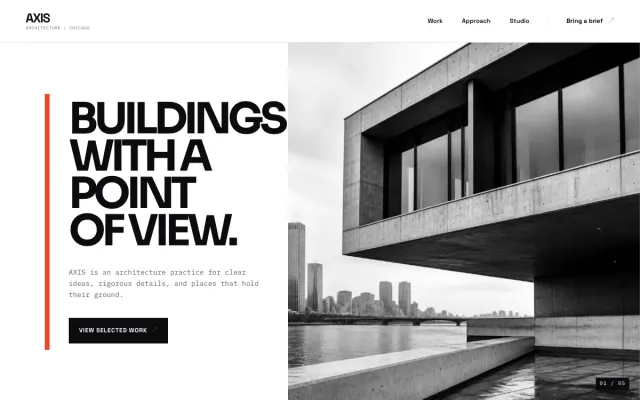
Architect Chicago, IL
AXIS Architecture - Architect website design example
International-modern architecture for clear ideas and difficult briefs.
- Selected work index
- Practice approach
- Project inquiry form
