Architect website example · Chicago, IL
An architect website designed to let the work lead and the inquiry follow
AXIS Architecture is an example website design for an architect in Chicago, IL. The hero splits into a three-line headline with a red rule and a large photograph of a cantilevered building, with one button that points at the work. A practice statement follows, then a selected-work list where each row swaps an abstract elevation beside it, a three-step method, and a short project inquiry form at the end.
$0 to build, $15/mo after you go live
AXIS Architecture Architect
$0 to build · $15/mo after you go live
Get a site like this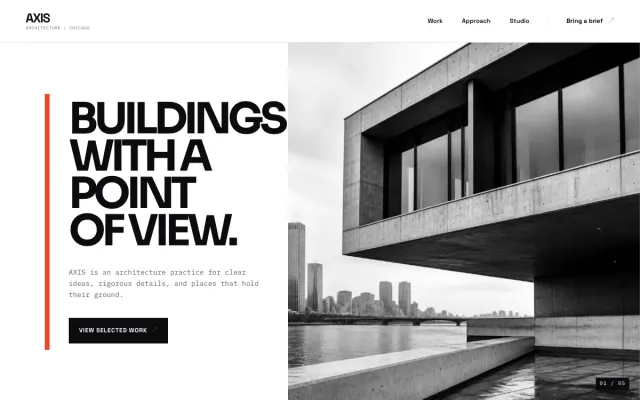
At a glance
- Industry
- Architect
- Setting
- Chicago, IL
- Category
- Professional & Business Services
- Designed to
- Let the work lead and the inquiry follow
- Pages
- 1 · Home
- Style
- Minimal, Editorial
- Palette
-
- #0B0B0D
- #F0442E
- #FFFFFF
- #D9DCE1
Design decisions
-
The work comes before the pitch
Clients choosing an architect look at buildings, not slogans. The primary button in the hero goes to selected work rather than to a contact form, and the practice statement is kept to 2 sentences.
-
Selected work is a numbered list
3 rows with a number, a project name, a place, a year and a type. Pressing a row swaps the elevation drawn beside the list, so the page reads like a journal index instead of a wall of thumbnails that all look the same at card size.
-
Vermilion is the only color
White, ink black and one red. A hard rule under the headline, the active row’s index and the button all use the same red, so the eye knows where the page wants it to go.
-
The inquiry asks for a project note
Name, email and a few lines about the project. An architect’s first conversation is about the brief, and a form that asks for it in the client’s own words starts that conversation before anyone picks up the phone.
What's on this site
- Hero with selected-work button
- Practice statement
- Selected work index
- How we work
- Project inquiry form
Features you can try in the example
- Selected work index
- Practice approach
- Project inquiry form
What every architect website needs
- Selected projects with type, place, year and a few photographs each
- A short practice statement: what you take on and how you work
- Who is in the studio, with licensure stated as you hold it
- How a project starts: first meeting, scope, fees in outline
- Press, awards or publications only if they are real and linkable
- A project inquiry form that asks for the site, the brief and the timeline in the client’s words
- $0 to build
- First version within 48 hours of your brief
- $15 a month for hosting, only after you approve the preview and go live
- Month to month, no contract
When you approve the preview, you set up your SMBcrm account and card for the $15 hosting plan. That is the only time we ask for payment details.
Architect website questions
What should an architect website include?
Selected projects with real photographs, a short practice statement, who is in the studio and their licensure, how a project starts, and a project inquiry form. The portfolio is the argument; everything else gets out of its way.
How many projects should an architect’s website show?
Fewer than you think. 3 to 6 strong projects with good photography beat 20 thumbnails, and a list with type, place and year lets a visitor find the one that matches their brief. Add projects as they finish instead of padding the page.
How much does an architect website like this cost with FreeWebGuy?
FreeWebGuy builds your architect website for $0. Hosting is $15 a month and starts only after you approve the private preview and go live. Month to month, no contract. The full price breakdown lists what is included and what costs extra.
How fast can I get an architect website like this?
First version within 48 hours of your brief. You review a private preview and ask for changes before you pay. Bigger sites, or briefs missing key details, take a few days more. See how it works for the steps.
Is this a template?
No. It is one design direction for architect websites. Your site is built from your brief: your name, services, service area and look. You can name this example as the look you want, or ask for something different.
More professional services website examples
Mobile Notary Tucson, AZ
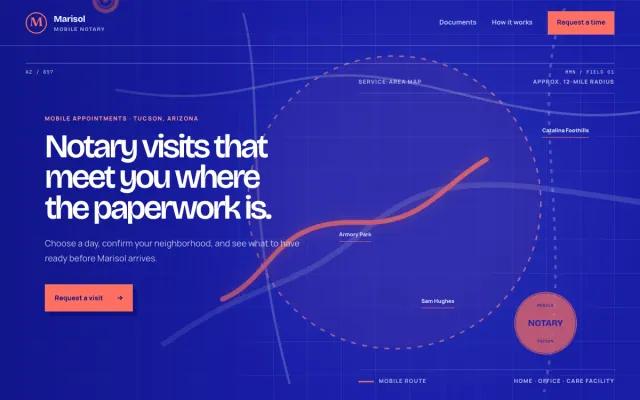
Marisol Mobile Notary - Mobile Notary website design example
A Tucson mobile notary with a clear service area and simple visit requests
- Service-area map
- Document checklist
- Visit time request
Law Firm Raleigh, NC
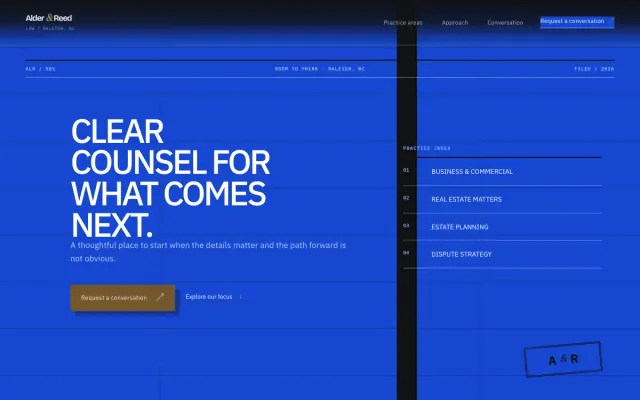
Alder & Reed Law - Law Firm website design example
Clear, practical guidance for the decisions that shape what comes next.
- Practice-area accordion
- Three-step approach
- Conversation request form
IT Services Dallas, TX
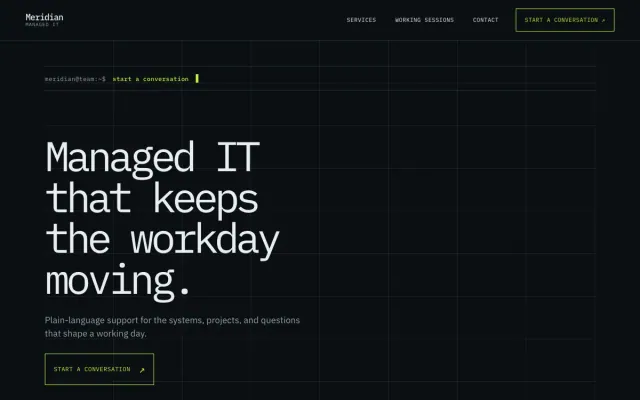
Meridian Managed IT - IT Services website design example
Managed IT that keeps the workday moving
- Question-led service index
- Working-session steps
- Support request form
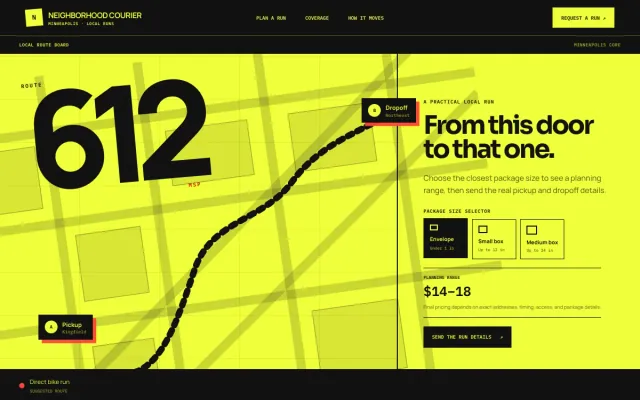
Courier Minneapolis, MN
Neighborhood Courier - Courier website design example
Local pickup-to-dropoff runs for shops, studios, and neighbors in Minneapolis.
- Package size selector
- Pickup timeline
- Neighborhood coverage
