Mobile Notary website example · Tucson, AZ
A mobile notary website designed to turn a document question into a visit request
Marisol Mobile Notary is an example website design for a mobile notary in Tucson, AZ. The first screen puts the headline, a notary who comes to the paperwork, next to a drawn service-area map with a route and pins. A day picker previews times, a document checklist sorts visitors by what they hold, 3 steps explain how to prepare, and the page ends on a three-field visit request.
$0 to build, $15/mo after you go live
Marisol Mobile Notary Mobile Notary
$0 to build · $15/mo after you go live
Get a site like this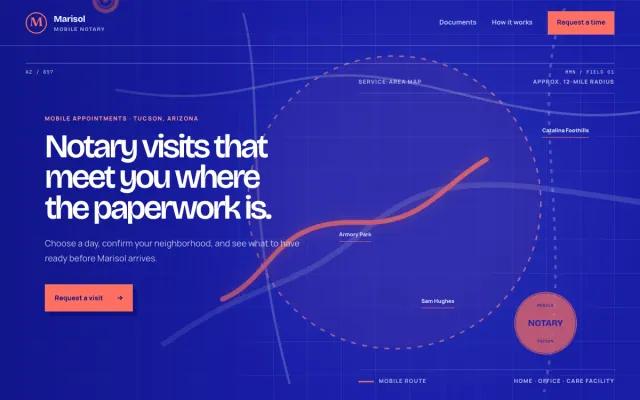
At a glance
- Industry
- Mobile Notary
- Setting
- Tucson, AZ
- Category
- Professional & Business Services
- Designed to
- Turn a document question into a visit request
- Pages
- 1 · Home
- Style
- Bold, Modern
- Palette
-
- #191DA7
- #FF6F61
- #F7F5FF
- #8EA8FF
Design decisions
-
The service area is a map, not a paragraph
A visitor searching for a mobile notary wants to know whether she comes to them before reading anything else. The map and the route drawn across it answer that on the first screen, so someone outside the area leaves quickly and someone inside it keeps reading.
-
The document checklist sorts visitors by what they hold
4 rows (real estate documents, family and personal forms, business paperwork, facility visits) match how people describe the job. Each row is also a doorway into the request form, so a visitor never has to translate their paperwork into the notary’s vocabulary.
-
Preparation is spelled out before the call
3 short steps cover the basics to share, the identification to have ready, and signing together at the visit. Answering these on the page saves the questions a notary otherwise handles by phone.
-
The form stops at 3 fields
Neighborhood or ZIP, document type and preferred day are enough to reply with a time. A form this short is easy to finish on a phone.
What's on this site
- Hero with service-area map
- Day and time picker
- Document checklist
- Three-step preparation list
- Visit request form
Features you can try in the example
- Service-area map
- Document checklist
- Visit time request
What every mobile notary website needs
- A service-area map or a list of the neighborhoods and ZIP codes you cover
- The documents you notarize and what a signer should bring
- Accepted ID requirements, stated before the visit
- Your fees, or a clear way to request a quote
- Availability, including evenings and weekends if you offer them
- A short request form that asks for document type, number of signers and preferred day
- $0 to build
- First version within 48 hours of your brief
- $15 a month for hosting, only after you approve the preview and go live
- Month to month, no contract
When you approve the preview, you set up your SMBcrm account and card for the $15 hosting plan. That is the only time we ask for payment details.
Mobile notary website questions
What should a mobile notary website include?
A mobile notary website should show where you travel, which documents you notarize, what a signer should bring, how you charge and how to request a visit. Once those 5 questions are answered, the visitor’s next step is the request form, so keep it close by.
Can a notary website take visit requests?
Yes. A short form that asks for neighborhood or ZIP, document type and preferred day gives you what you need to reply with a time. If you travel on set days, say which ones so nobody asks for a day you are not out.
How much does a mobile notary website like this cost with FreeWebGuy?
FreeWebGuy builds your mobile notary website for $0. Hosting is $15 a month and starts only after you approve the private preview and go live. Month to month, no contract. The full price breakdown lists what is included and what costs extra.
How fast can I get a mobile notary website like this?
First version within 48 hours of your brief. You review a private preview and ask for changes before you pay. Bigger sites, or briefs missing key details, take a few days more. See how it works for the steps.
Is this a template?
No. It is one design direction for mobile notary websites. Your site is built from your brief: your name, services, service area and look. You can name this example as the look you want, or ask for something different.
More professional services website examples
Law Firm Raleigh, NC
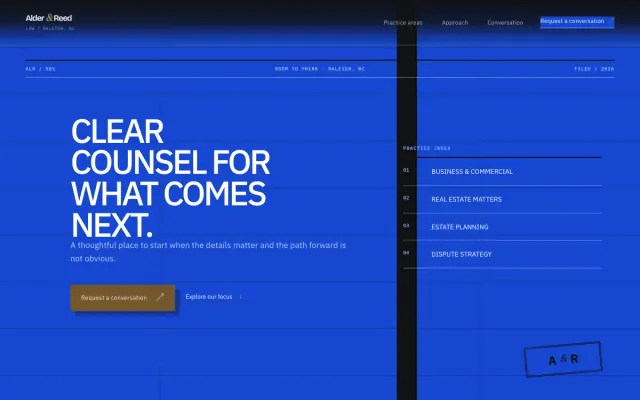
Alder & Reed Law - Law Firm website design example
Clear, practical guidance for the decisions that shape what comes next.
- Practice-area accordion
- Three-step approach
- Conversation request form
IT Services Dallas, TX
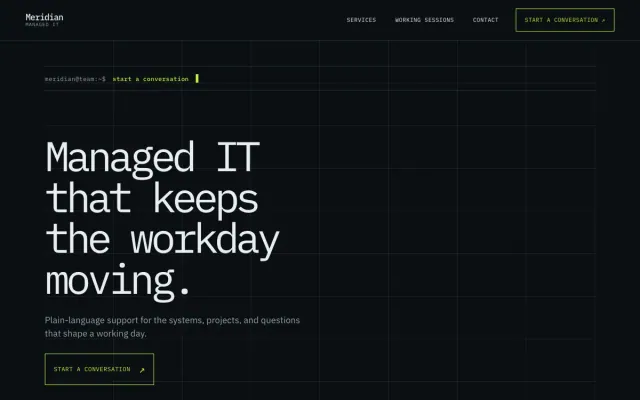
Meridian Managed IT - IT Services website design example
Managed IT that keeps the workday moving
- Question-led service index
- Working-session steps
- Support request form
Courier Minneapolis, MN
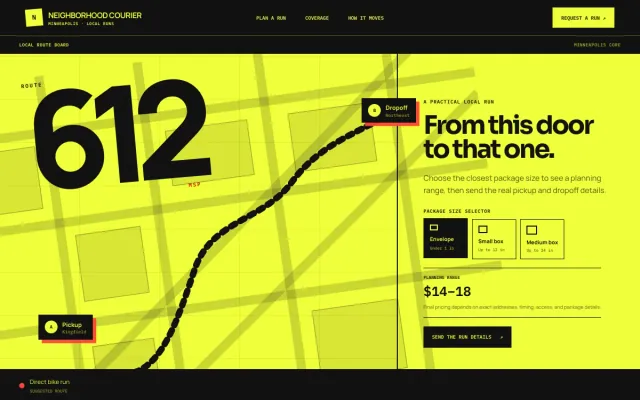
Neighborhood Courier - Courier website design example
Local pickup-to-dropoff runs for shops, studios, and neighbors in Minneapolis.
- Package size selector
- Pickup timeline
- Neighborhood coverage
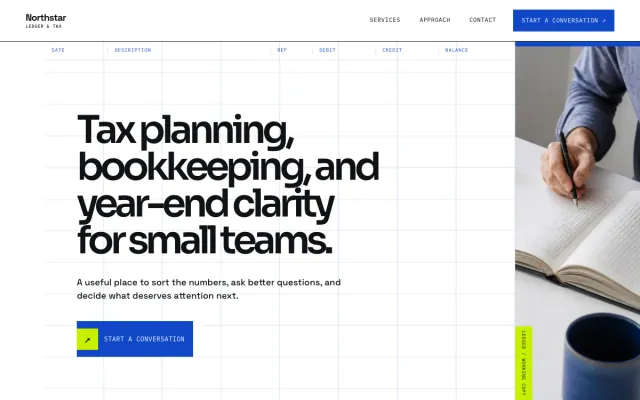
Accountant Seattle, WA
Northstar Ledger & Tax - Accountant website design example
Tax planning, bookkeeping, and year-end clarity for small teams
- Service index
- Topic selector
- Consultation request form
