Locksmith website example · Spokane, WA
A locksmith website designed to reach locked-out customers fast
Cedar Key Locksmith is an example website design for a locksmith in Spokane, WA. The first screen asks which door brought you here and shows 2 of them, locked out or plan ahead, and the copy beside them changes with the choice: the urgent door leads to a call, the planned door to a request form. A service list, a call-to-open timeline and an ID note follow, and the page ends on a planned-service form.
$0 to build, $15/mo after you go live
Cedar Key Locksmith Locksmith
$0 to build · $15/mo after you go live
Get a site like this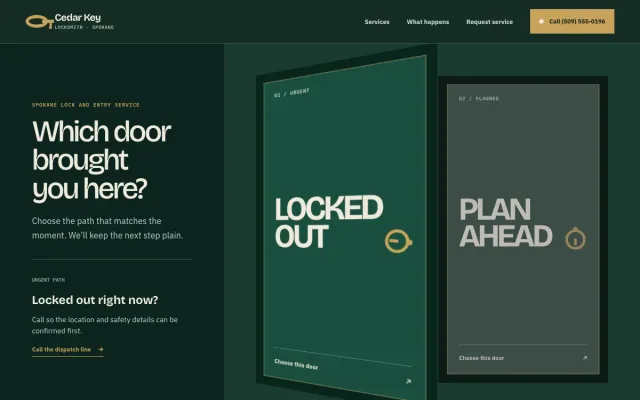
At a glance
- Industry
- Locksmith
- Setting
- Spokane, WA
- Category
- Home Services & Trades
- Designed to
- Reach locked-out customers fast
- Pages
- 1 · Home
- Style
- Dark, Warm
- Palette
-
- #123C31
- #C8A25B
- #F0EADC
- #14231D
Design decisions
-
Urgent and planned visitors get different first steps
A person locked out at night and a person planning a rekey should not see the same button. Choosing a door swaps the hero copy and its action, call for urgent, form for planned, so each visitor gets the right path in one tap.
-
The timeline explains what happens before the van arrives
Locksmith customers worry about who is coming and what it will cost. 4 steps describe the sequence: call, confirm, verify and open. Identity or permission is checked before a lock is opened, and the page says so.
-
The ID note sets a boundary that builds trust
People want to know a locksmith will not open just any door. A short note explains what proof of access to have ready. That reassures the homeowner and heads off awkward conversations at the door.
-
Dark green and brass instead of red banners
Many locksmith sites use red banners and flashing phone numbers. Deep green, cream and a brass accent present a trade with standards, and the phone number still sits in the header at every width.
What's on this site
- Hero with urgent and planned doors
- Lock and key service list
- Call-to-open timeline
- Access verification note
- Planned service request form
Features you can try in the example
- Urgent/planned door selector
- Lock and key service index
- Arrival workflow
What every locksmith website needs
- A phone number in the header, visible on the first screen of a phone
- Lockout, rekey, repair and keypad or smart lock work described separately
- Your license or registration number and insurance
- What proof of access you ask for before opening or changing a lock
- The hours you answer calls and the area you cover
- A request form for planned work, separate from the emergency path
See how FreeWebGuy builds a website for locksmiths.
- $0 to build
- First version within 48 hours of your brief
- $15 a month for hosting, only after you approve the preview and go live
- Month to month, no contract
When you approve the preview, you set up your SMBcrm account and card for the $15 hosting plan. That is the only time we ask for payment details.
Locksmith website questions
What should a locksmith website include?
A locksmith website should put the phone number first, describe lockout, rekey, repair and keypad work separately, show your license and insurance, and explain what proof of access you require. A separate request form for planned work keeps the emergency path clear.
How can a locksmith website show it is legitimate?
Show your license or registration number where it can be checked, use your registered business name and address, explain your ID verification step, and skip the generic wording that unlicensed listings lean on. A page that explains how a visit works, including how the price is confirmed, reads as a local business with standards.
How much does a locksmith website like this cost with FreeWebGuy?
FreeWebGuy builds your locksmith website for $0. Hosting is $15 a month and starts only after you approve the private preview and go live. Month to month, no contract. The full price breakdown lists what is included and what costs extra.
How fast can I get a locksmith website like this?
First version within 48 hours of your brief. You review a private preview and ask for changes before you pay. Bigger sites, or briefs missing key details, take a few days more. See how it works for the steps.
Is this a template?
No. It is one design direction for locksmith websites. Your site is built from your brief: your name, services, service area and look. You can name this example as the look you want, or ask for something different.
More home service website examples
Painter Kansas City, MO
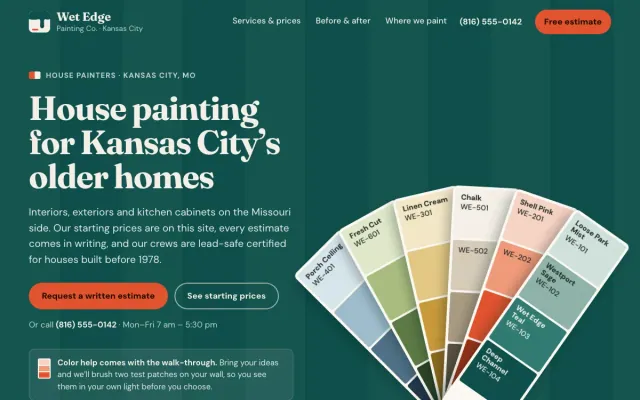
Wet Edge Painting Co. - Painter website design example
House painting with starting prices by room, a before/after slider and an estimate request
- Before/after slider
- Starting prices by room
- Interior, exterior and cabinet paths
Home Organizer Raleigh, NC
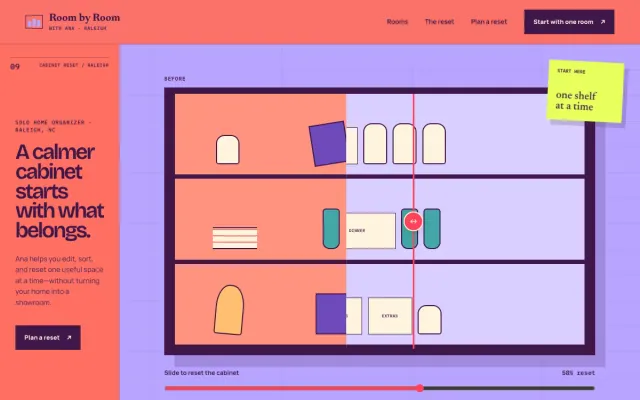
Room by Room with Ana - Home Organizer website design example
A calmer home, one useful reset at a time.
- Before/after cabinet
- Room-by-room paths
- Edit / sort / reset plan
Appliance Repair Phoenix, AZ
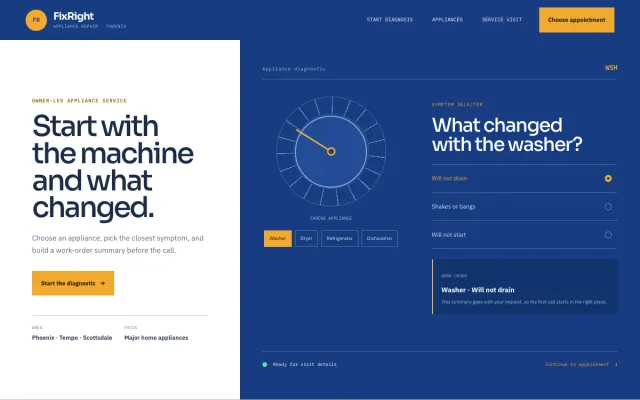
FixRight Appliance Repair - Appliance Repair website design example
An appliance diagnostic, symptom selector, and clear appointment request
- Appliance diagnostic
- Symptom selector
- Appointment request
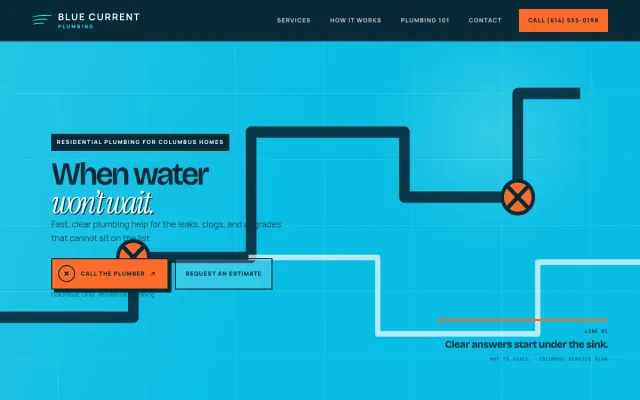
Plumber Columbus, OH
Blue Current Plumbing - Plumber website design example
A clear, responsive plumbing site for Columbus homeowners
- Urgent vs planned paths
- Plain-language service list
- Estimate request form
