Nonprofit website example · Baltimore, MD
A nonprofit website designed to turn neighbors into volunteers
Common Ground Project is an example website design for a nonprofit in Baltimore, MD. The top of the page is set like a newspaper front page: a serif headline, a one-line description, a button for the next workday and a documentary photograph of neighbors around a table. A large-type statement explains that the work is local, 3 programs open in place, an edition picker switches between field notes, and the page ends on a volunteer interest form.
$0 to build, $15/mo after you go live
Common Ground Project Nonprofit
$0 to build · $15/mo after you go live
Get a site like this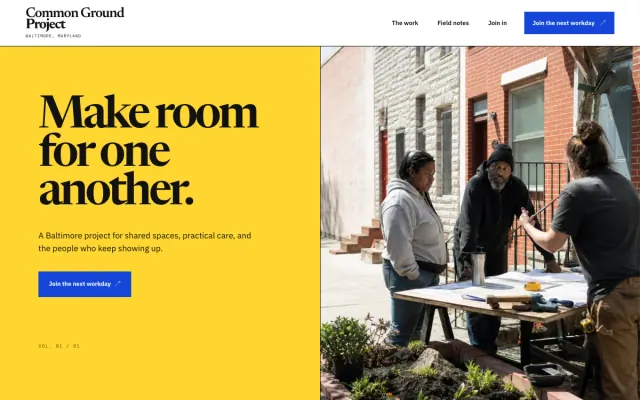
At a glance
- Industry
- Nonprofit
- Setting
- Baltimore, MD
- Category
- Lessons, Community & Events
- Designed to
- Turn neighbors into volunteers
- Pages
- 1 · Home
- Style
- Editorial, Bold
- Palette
-
- #1446D8
- #FFD52F
- #111111
- #FFFFFF
- #E8EDFF
Design decisions
-
Set like a neighborhood paper
A serif front-page headline, cobalt rules, a yellow editorial column and a documentary photograph make the page read like a local paper, which fits an organization run by neighbors. The photograph is of people at a table, doing the work.
-
The first ask is a workday
The primary button invites people to the next workday. For a community project the first step is showing up, so the page leads with participation and leaves giving to a second conversation.
-
Programs open in place
Block tables, youth workshops and garden days are 3 disclosure rows with a one-line description each. A visitor opens the one they care about, and the rest stays folded.
-
Field notes give the organization a voice
An edition picker swaps between 3 short notes, each with a title and a line. It shows what the group notices and values, and that is what turns a curious neighbor into someone who comes back.
What's on this site
- Hero with workday button
- The work is local
- Program list
- Field-note editions
- Volunteer interest form
Features you can try in the example
- Program index
- Field-note editions
- Volunteer interest form
What every nonprofit website needs
- What you do, where and for whom, in 2 sentences at the top
- Programs with how to take part in each
- Upcoming workdays or events with dates kept current
- Who runs it: board, staff or neighbors, with names
- A donate path through a payment provider you choose; the site links to it
- A volunteer interest form that asks for a name, a way to reply and which program
See how FreeWebGuy builds a website for nonprofits.
- $0 to build
- First version within 48 hours of your brief
- $15 a month for hosting, only after you approve the preview and go live
- Month to month, no contract
When you approve the preview, you set up your SMBcrm account and card for the $15 hosting plan. That is the only time we ask for payment details.
Nonprofit website questions
What should a nonprofit website include?
What you do and where, programs with how to join, upcoming dates, who runs the organization, a donate path, and a volunteer form. A visitor should be able to tell within one screen whether this is a group they want to show up for.
Can a nonprofit website take donations?
Yes, through a payment provider you choose, such as Stripe, PayPal or a nonprofit donation platform. The website links to or embeds that provider’s page; the funds and the donor records stay in your account. Pick the provider first, and the site points to it.
How much does a nonprofit website like this cost with FreeWebGuy?
FreeWebGuy builds your nonprofit website for $0. Hosting is $15 a month and starts only after you approve the private preview and go live. Month to month, no contract. The full price breakdown lists what is included and what costs extra.
How fast can I get a nonprofit website like this?
First version within 48 hours of your brief. You review a private preview and ask for changes before you pay. Bigger sites, or briefs missing key details, take a few days more. See how it works for the steps.
Is this a template?
No. It is one design direction for nonprofit websites. Your site is built from your brief: your name, services, service area and look. You can name this example as the look you want, or ask for something different.
More lessons, community and event website examples
Funeral Home Providence, RI
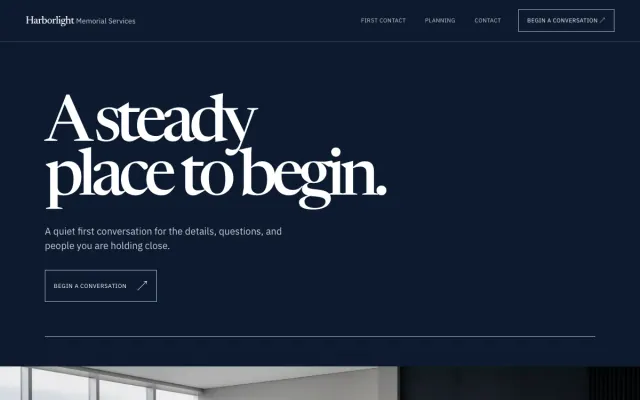
Harborlight Memorial Services - Funeral Home website design example
A steady place to begin
- Support options list
- Three-part approach
- Contact form
Event Venue Miami, FL
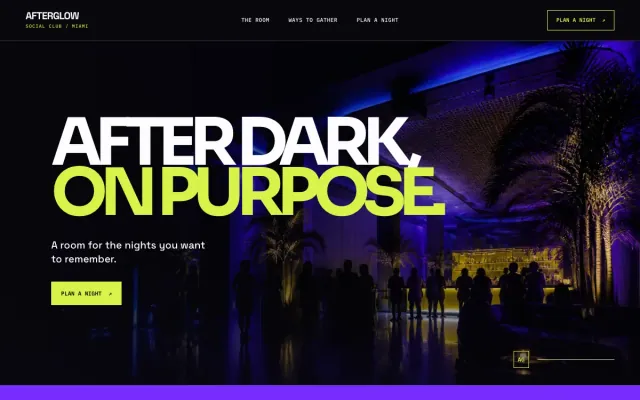
Afterglow Social Club - Event Venue website design example
A nightlife-led venue site for Miami gatherings
- Event format picker
- Full-width venue hero
- Event inquiry form
Outdoor Guide Bend, OR
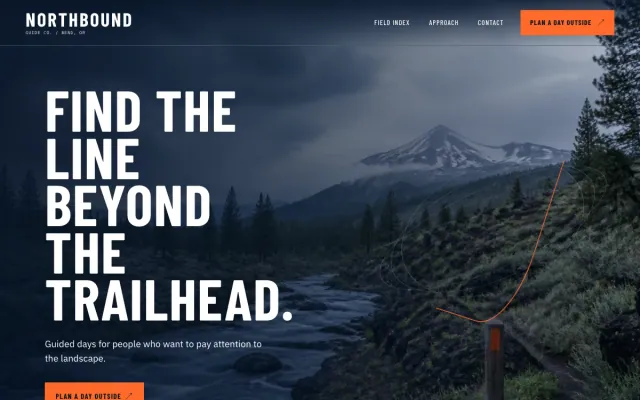
Northbound Guide Co. - Outdoor Guide website design example
Guided days for people who want to pay attention to the landscape.
- Field route index
- Four-step approach
- Trip inquiry form
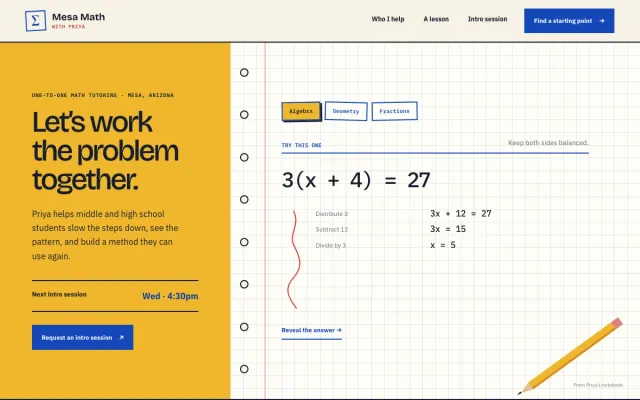
Tutor Mesa, AZ
Mesa Math with Priya - Tutor website design example
Patient, practical math tutoring in Mesa.
- Worked-problem notebook
- Subject and level selector
- Intro-session request
